A customer asks for a price, agrees to the work and later asks for an invoice. The paperwork should make each step clear: what you will supply, what it costs and what remains to be paid.
For a small business, a useful invoice or quote is easy to read and specific enough to prevent avoidable questions. Whether you sell goods, provide repairs or handle creative work, the same basic checks help.
1. Choose the right document
Use a quote when the customer is still considering your offer. Describe the proposed goods or services, the price and any conditions that affect the work. If your price is available only for a particular period, state that clearly. Keep a record of the version the customer approves.
Use an invoice when you are asking for payment under the arrangement you have agreed with the customer. Check the recipient, the amount and the payment terms before sending it. A familiar document style helps, but the details matter more than the design.
2. Make the customer and business details clear
Include your business name and contact details so the customer knows who prepared the document and how to reach you. A logo can make the document recognisable, but clear contact information remains useful even without one.
Check who should receive the invoice. The person who ordered the work may be different from the person arranging payment. Ask for the correct customer or company name and the email address to use.
For a one-off sale, you may only need the details for that document. Quick Invoice and Quick Quote in Invoiced let you enter those details without first creating saved customer or product records. For regular customers, saved records can reduce repeated typing. Still check them when preparing a new document.
3. Describe items so the price makes sense
Avoid lines such as “services rendered” when a short description would explain the charge. “Repair of two office chairs” tells the customer more than “repairs”. For goods, include the size, model or other detail needed to identify what you are supplying.
Separate distinct charges when that helps the customer understand the total. Here is a fictional printing job, shown before any other applicable charges:
| Item | Quantity | Unit price | Line total |
|---|---|---|---|
| Flyer artwork preparation | 1 | KES 3,500 | KES 3,500 |
| A5 flyers, printed on both sides | 100 | KES 25 | KES 2,500 |
| Subtotal | KES 6,000 |
The quantities and prices explain how the subtotal was reached. If delivery is charged separately, add a clear line for it. If it is excluded, say so in the quote. State any agreed discount clearly and check that the final total reflects it. Use one currency consistently throughout the document.
4. Check the agreed work before turning a quote into an invoice
An approved quote provides a useful starting point for an invoice. Before carrying it forward, confirm that the scope, quantities and prices still match the work being billed.
In the printing example, the customer might approve 100 flyers and later request 150. Confirm the change and update the relevant details before issuing the invoice. Keep enough context in the description or notes for the customer to understand the difference.
Invoiced supports quote approval and conversion to an invoice. Conversion saves re-entering the details, while the review step gives you a chance to catch changes before the invoice goes out.
5. Read the PDF before you send it
A PDF preview shows how the document will appear outside the editing form. Check the customer name, business contacts, dates, item descriptions and totals. Look at every page when there are several items or long descriptions.
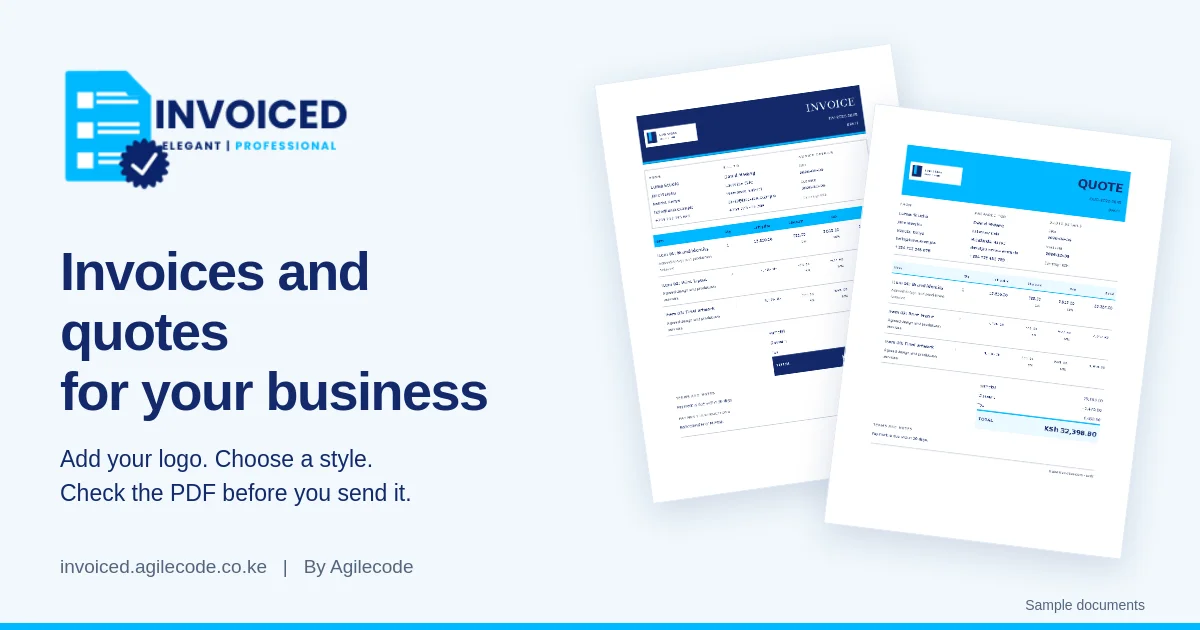
Choose a style that leaves the information easy to read. Preview your invoice or quote in Invoiced using one of ten document styles, your company colours and an optional logo. Long business names and detailed descriptions need particular attention in the preview.
Save a draft if something still needs confirmation. Issue the document after the details are settled, then download the PDF for the customer. Keep the document reference in your correspondence so both sides can identify which quote or invoice you mean.
6. Record payments and follow up with context
When a payment arrives, check it against the relevant invoice. Record the actual amount and keep the payment reference in your records. For a partial payment, distinguish what has been received from what is still outstanding.
Invoiced lets you record payments against invoices. Keep those entries up to date and check them against your payment records. Before following up, confirm that a recent payment has not already settled the amount you are asking about.
A useful follow-up identifies the invoice and explains the outstanding amount. It gives the customer enough information to respond without searching through earlier messages.
Prepare your next invoice or quote. Enter your details in Invoiced, choose a style and check the PDF preview. Learn more about Invoiced by Agilecode.