Invoiced by Agilecode is an online invoice and quotation tool for small businesses, freelancers and service providers in Kenya. Prepare a document for a one-off job, or keep customer records together for regular work. Affordable download options are priced in Kenyan shillings (KSh), with M-Pesa checkout.
Prepare a document from the details you have
Quick Invoice and Quick Quote let you type customer details and items directly into a document. You do not need to save a customer or product first. For repeat work, save customers and products so their details are available when preparing your next invoice or quote.
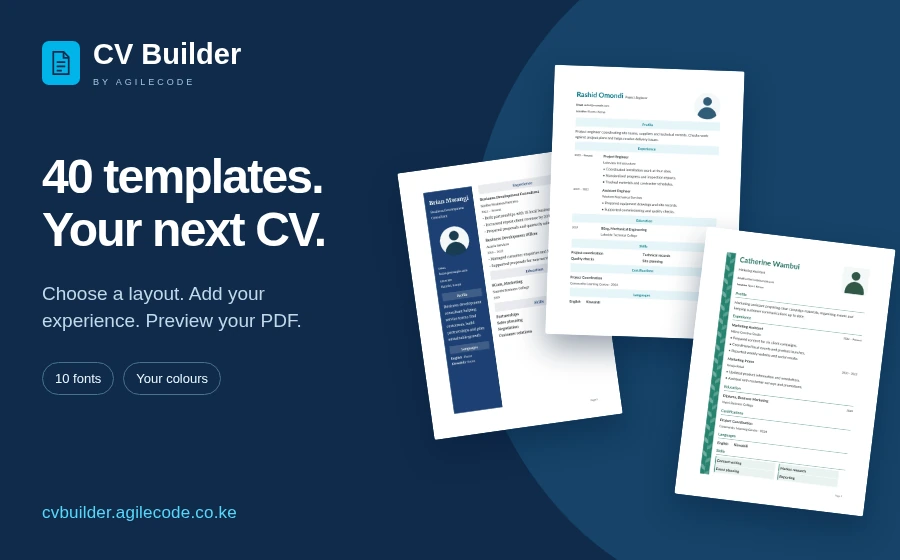
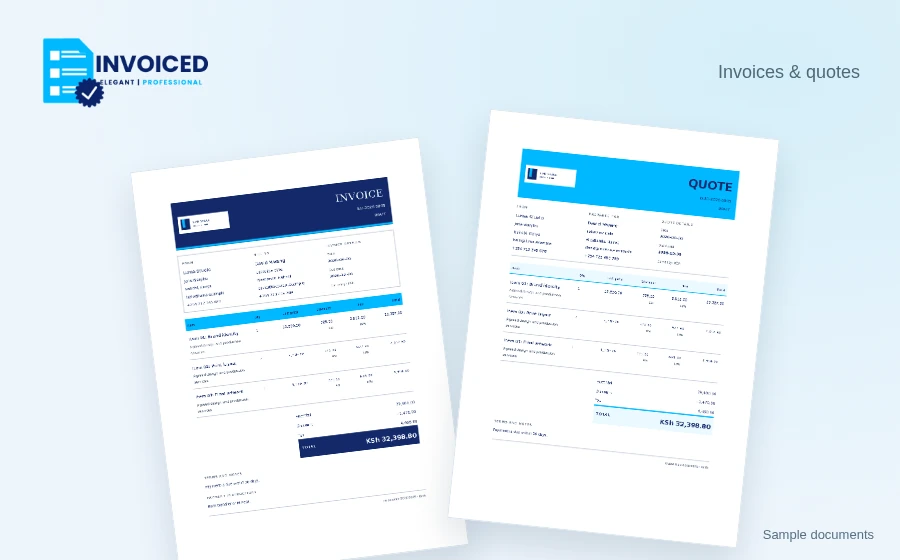
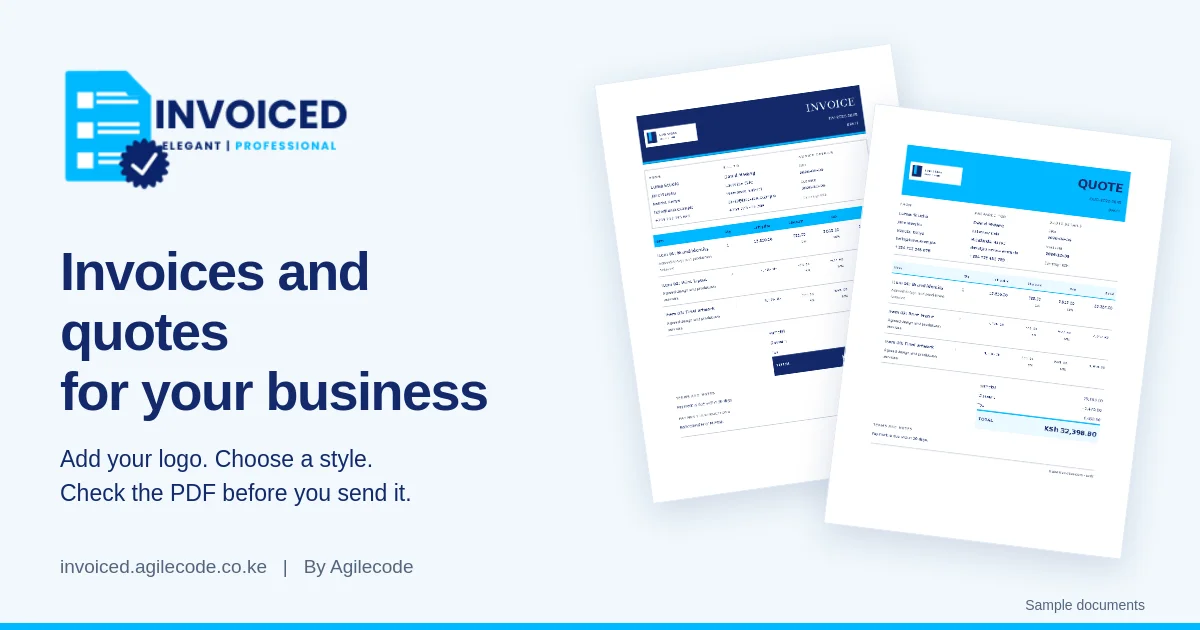
Add an optional business logo, choose from 16 document styles and use your company colours. Pick from 20 fonts and adjust the font size to suit the document. Preview the PDF while checking the customer name, item descriptions, quantities and totals. Save a draft when you need to finish later, then issue the document and download the PDF when it is ready.
Follow the work from quote to payment
Start with a quote when a customer needs to review the scope and price. Invoiced supports quote approval and conversion to an invoice, so you can continue from the agreed details. Review the invoice before issuing it, especially if quantities or the work have changed.
Record payments against invoices to keep a clearer view of what has been paid. Prepare payment receipts and client statements when a customer needs a record of their payments or account activity.
Get started in your browser
Sign in with Google or email. New businesses joining through Google complete the business information that Google does not provide. No desktop installation is needed.
Affordable invoice downloads in Kenya
The free plan includes 1 invoice download and 1 quote download per calendar month. For more documents, pay KSh 30 per document, choose a KSh 50 day pass or subscribe from KSh 199 per month. Use M-Pesa to pay in Kenyan shillings, and check the allowance included with your chosen option before checkout.
You can prepare a document and check the PDF preview before choosing download access. Open Invoiced to review current access options and prepare your next invoice or quote.
Explore Agilecode products or contact us about software for your business.
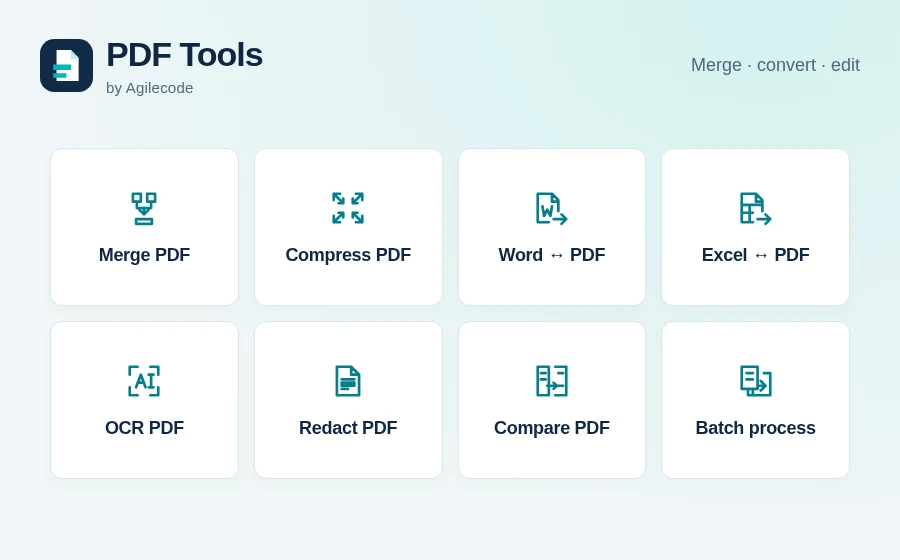
Preparing downloaded documents for an email or a customer’s upload portal? Combine PDFs or reduce PDF file size with PDF Tools.