
How to Plan Custom Software for Your Business
Work out what to build, what to keep and what to test before commissioning custom business software.
A business can start with spreadsheets, email and a few separate apps. Over time, copying the same information between them can become a job of its own. Custom software becomes worth considering when the problem is the process connecting those tools.
Start with the work, not a feature list
Describe one task from beginning to end. For example, a customer sends a request, a salesperson prepares a quote, a manager approves it, the work is completed, an invoice is issued and a payment is recorded. Note who handles each step and where the information is stored.
Look for repeated entry, unclear handovers, missing records and reports that require someone to collect figures by hand. These are useful starting points for a software discussion because they describe a measurable problem.
Check whether an existing tool is enough
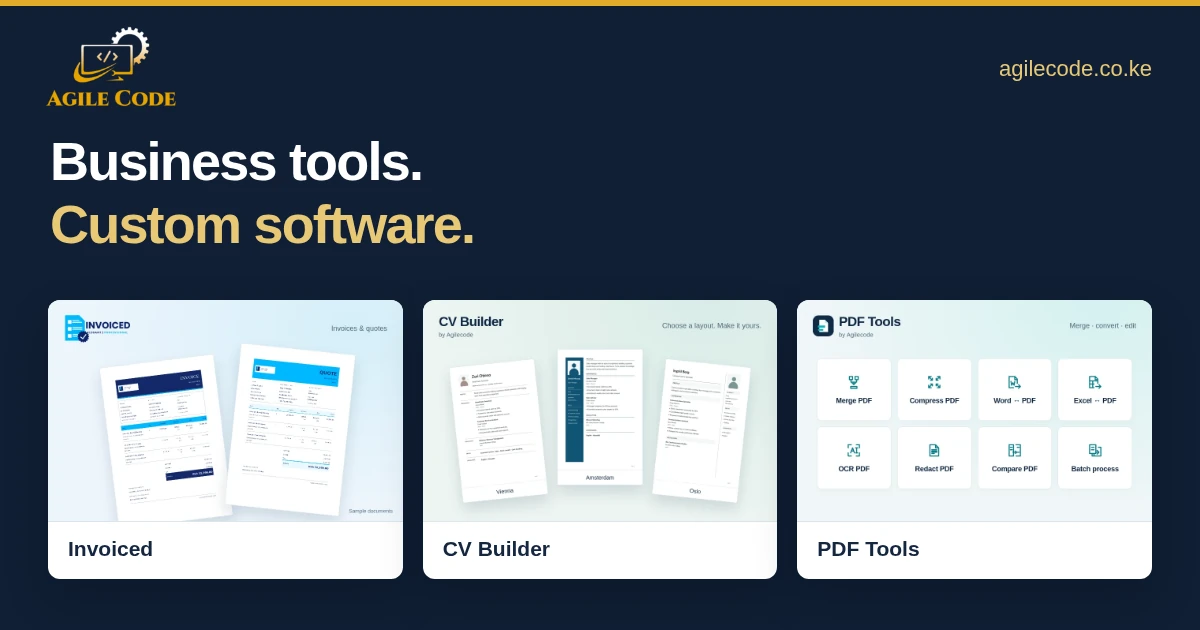
You may not need a new system for every task. If your immediate need is a branded customer document, Invoiced already provides invoices, quotes, client records and payment receipts. For file preparation, PDF Tools covers merging, compression and conversions.
Use a ready-made tool when it fits the work. Consider custom software when your approval rules, records, integrations or reporting needs cannot be handled well by the available options. Sometimes the best project connects existing services instead of replacing all of them.
Define the first useful version
Write down the functions the business needs at launch. Separate them from changes that can wait. For a customer portal, that first version might include account access, requests, status updates and an administrator’s view. For an internal system, it might be records, approvals, exports and a small set of reports.
Also describe who can view or change each record. Permissions, audit history, backups and recovery deserve a place in the scope alongside the visible screens.
Plan for the information you already have
List the spreadsheets, old systems and document folders that contain records to be moved. Check whether duplicate contacts, missing identifiers or inconsistent dates need attention. Agree on which records move, how they will be checked and how the original data will be preserved.
If the new software needs M-Pesa, accounting software or another service, confirm access to the correct account and clarify how unsuccessful or delayed requests should be handled.
Test with real examples
Choose typical jobs and a few difficult cases. Test a partial payment, a duplicate customer, a cancelled request or a report with no results. Ask the people who will use the system to review the screens and complete tasks themselves.
Agree on what must pass before launch, who will receive training and how support will work afterwards. A launch plan should also include a way to recover if a migration or integration does not behave as expected.
What to send when you ask for a proposal
- A short description of the business and the problem.
- The people who will use the system and their responsibilities.
- A sample of the current process, forms or reports.
- Existing tools and services that need to connect.
- Your priorities, target date and available budget, if known.
Agilecode builds custom software and web applications alongside its own business tools. Tell us about your process and we can discuss whether an existing product or a custom build is a better fit.
Tell us what you need to build.
Describe your project and the features you need.