Collaboration for classes, workshops and teams
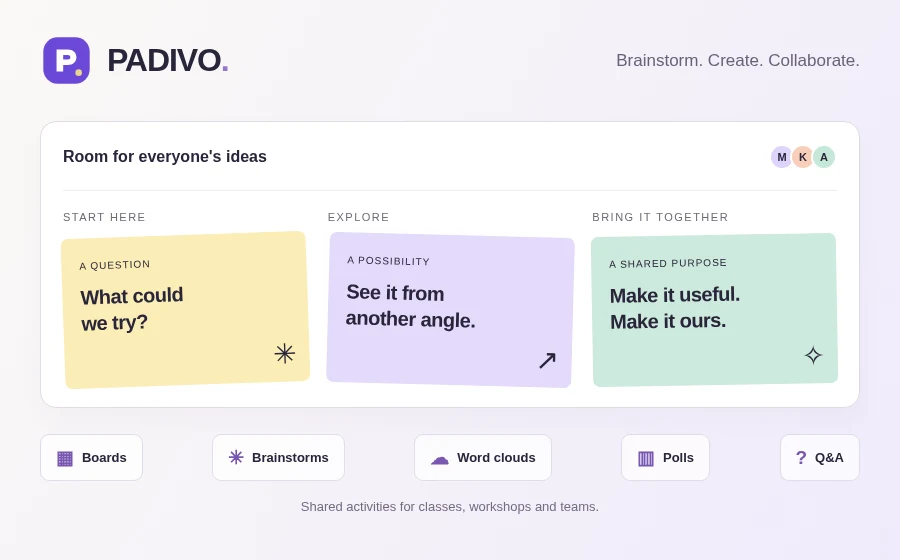
Padivo by Agilecode helps classes, workshops and teams in Kenya collect ideas, respond to a prompt and discuss what comes next. Use it for a classroom reflection, a team retrospective or questions during a meeting. It runs in a web browser, with activities that participants can open on their own devices and affordable plans paid in KSh with M-Pesa.
Choose the activity that fits the discussion
- Boards: choose from 6 board layouts to collect resources, feedback or work in progress. Cards can contain text, links and supported attachments, with comments and likes for discussion.
- Brainstorms: use the same flexible card canvas to gather suggestions, group related ideas and choose what to explore together.
- Word Clouds: ask for words or short phrases and see repeated responses grow larger. Use a cloud for a quick opening question or a closing reflection.
- Polls: offer a fixed set of choices and collect single or multiple selections. Show the results when you are ready to discuss them.
- Q&A: collect questions, let participants upvote them and mark questions as answered as the session progresses.
Share with the right people
Create an account and verify your email to organise workspaces and activities. Workspace roles let you choose who can manage, contribute or view. For an activity, choose private workspace access, public access or password protection. Sharing options include a link, join code and QR code; the access settings still determine who can enter and contribute.
Allow guest participation when the session calls for it, or require verified accounts. Open the activity when it is ready for the group, and lock or close it when you want to stop new contributions. Use the website and Moodle embedding options to put activities alongside the course material or webpage your group already uses.
Facilitate the conversation
Enable moderation to review contributions before they appear to the group. For word clouds and polls, hide results while people respond and reveal them together. Word Cloud, Poll and Q&A activities have a presentation view for a shared screen, while you keep the activity window open to facilitate.
Download PDF, PNG and JPG session reports
Workspace Owners and Editors can review participation totals and request activity exports in PDF, PNG or JPG format. Exports contain the approved content and are available privately to the requesting manager for 24 hours. Reveal hidden live results before exporting; changes to content or access can require a new export.
Start free, then choose a plan in Kenyan shillings
The free plan includes 3 activities, 3 workspace members and up to 3 participants per activity. For more capacity, Pro costs KSh 199 per month and Team costs KSh 250 per month. Pay with M-Pesa in Kenya and choose the workspace limits that fit your group.
Compare the allowances and features on the Padivo pricing page before upgrading.
Start with a small, clear prompt
Try one question such as “What should we improve in our next workshop?” Choose Brainstorm for detailed suggestions, Word Cloud for short reactions or Poll for a decision between prepared options.
Follow our guide to running an interactive workshop with Padivo, or see the app’s getting-started walkthrough.
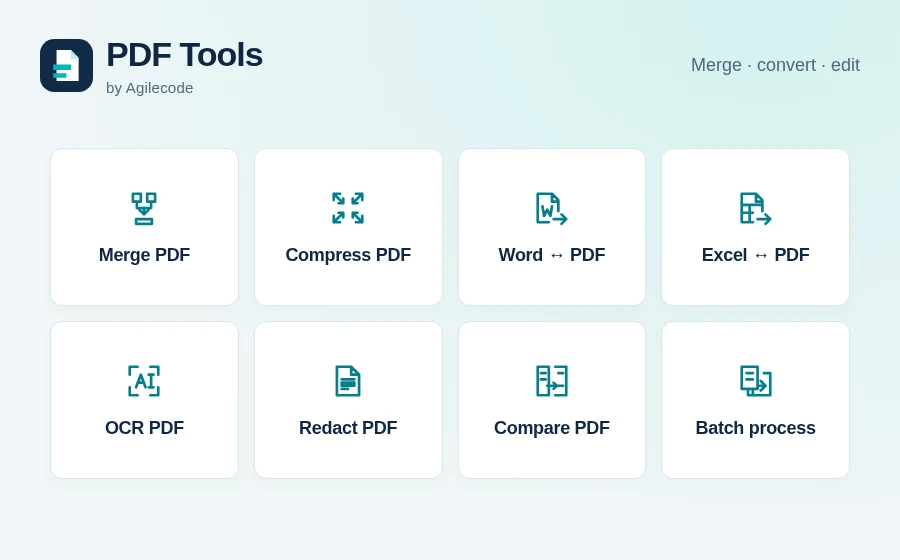
Open Padivo to start collaborating. Explore PDF Tools if you need to merge or compress your downloaded session records, or browse all Agilecode products.