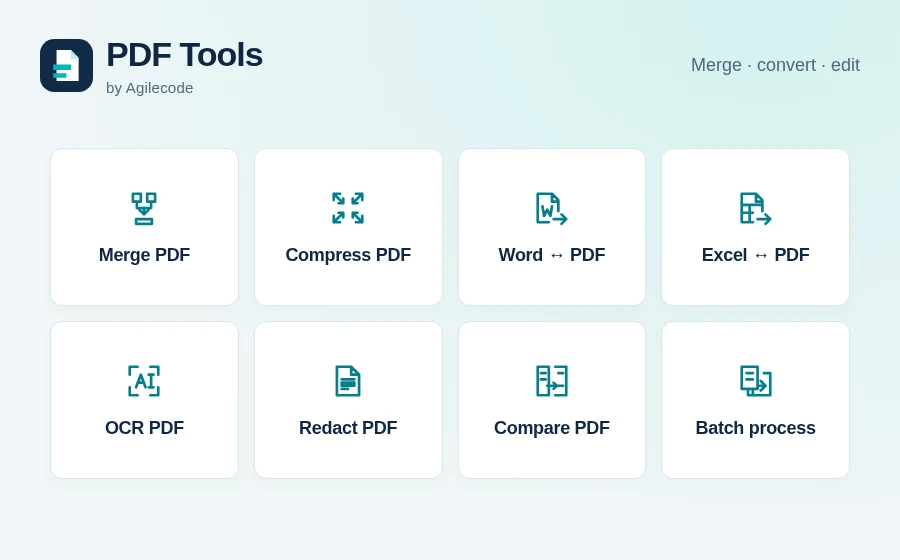
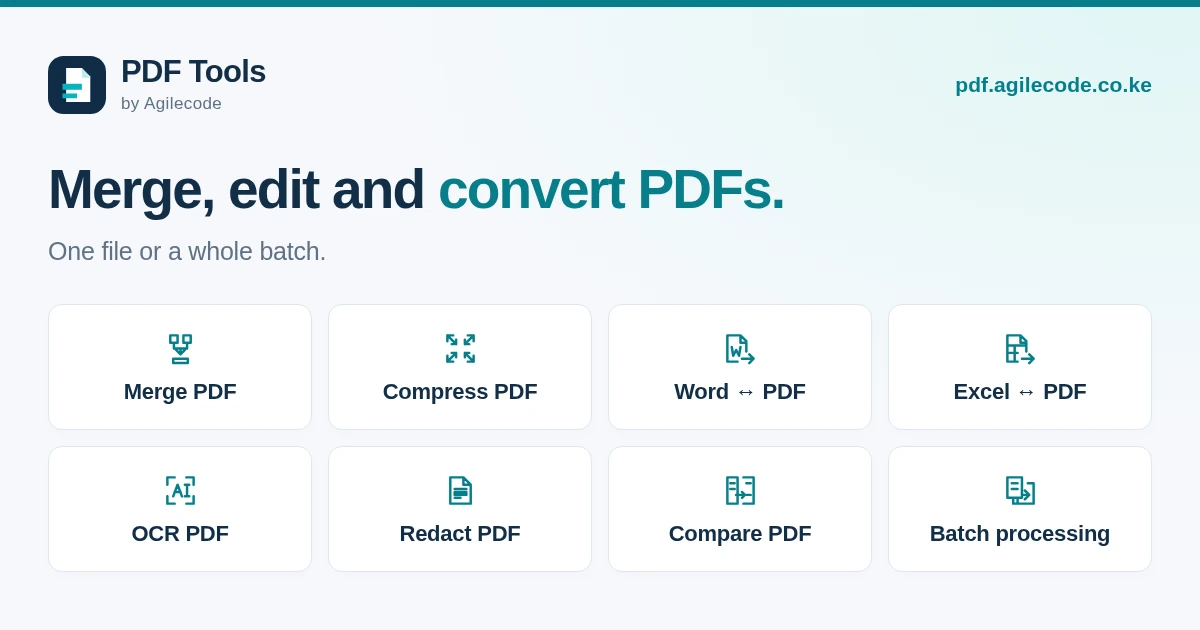
PDF Tools by Agilecode brings 26 online document tools together for work, study and job applications in Kenya. Merge documents, reduce file size, convert Word and Excel files, edit pages, and make scanned text searchable. Open a tool in your browser, upload your files and check the result before downloading.
Merge, split and compress PDFs
Combine an application, supporting documents or a set of business records with Merge PDF. Change the file order before processing. Use Split PDF to save selected pages, or Organise PDF to reorder, rotate, remove or crop pages.
If an email attachment or upload is too large, try Compress PDF. Choose the image quality and review the resulting size and readability. A file that is already well compressed may not become smaller.
Convert Word, Excel, images and PowerPoint
- Word to PDF and Excel to PDF prepare documents and spreadsheets for sharing.
- PDF to Word creates an editable document from selectable text. PDF to Excel extracts detected tables into a workbook. Check the layout, columns and values after conversion.
- Images to PDF combines JPG, PNG or WebP files. PDF to Images saves whole pages as images.
- PDF to PowerPoint places each selected page on a slide as an image. Text inside the image is not editable.
Work with scanned documents
OCR scanned PDFs recognises printed English, Swahili or both, adding searchable text to scanned pages. Use Clean scanned pages to straighten small tilts, improve contrast and clean dark borders. Each tool shows its page limits before you process a file.
You can also extract PDF text into a TXT file or extract embedded images individually.
Edit, redact and compare documents
Annotate PDF adds text, highlights, drawings and images. Fill and sign PDF fills supported form fields and places a visible signature. To make a reusable form, add fillable text fields, checkboxes and dropdowns.
Use Redact PDF to permanently remove selected text and images from the resulting file. Compare PDFs creates a report of visible page and text differences between two versions. Watermarks, page numbers and password tools are also available in the full tool collection.
Process a batch and download together
Batch processing applies one compatible operation to several files and returns their results in one ZIP. Each input file counts as one task from your download allowance. Pay-on-demand checkout shows the cost per file and the batch total.
Affordable PDF tools with M-Pesa in Kenya
The free allowance includes 1 task per day. For more work, a single task costs KSh 20, while batch processing costs KSh 15 per input task. A day pass costs KSh 99 and monthly plans start at KSh 499. Pay in Kenyan shillings with M-Pesa; batch checkout shows the number of tasks and total cost before payment.
You can start without an account and preview the output before downloading. See the PDF Tools pricing page for current allowances and limits. Files are temporary: save your result before its displayed expiry, or delete your files when you finish.
Read our guide to merging, compressing and converting PDFs for common application and business-document tasks.
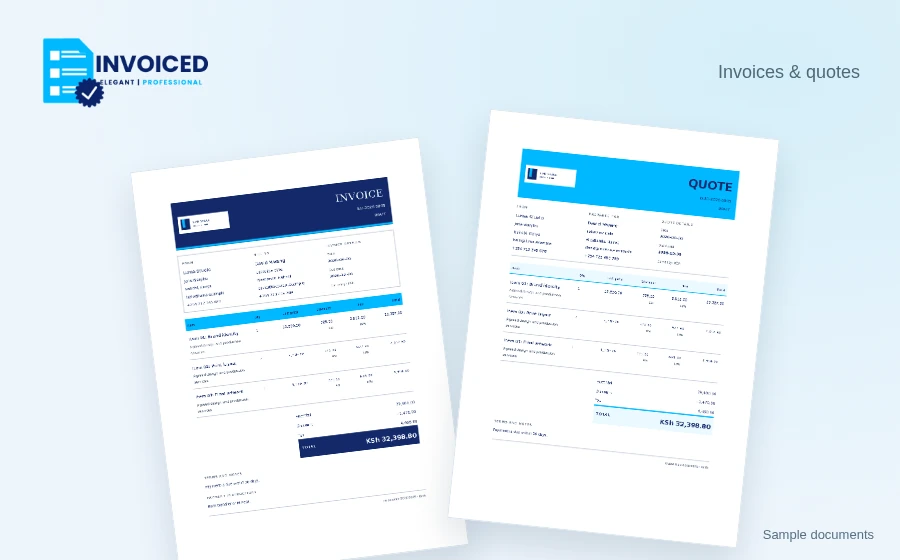
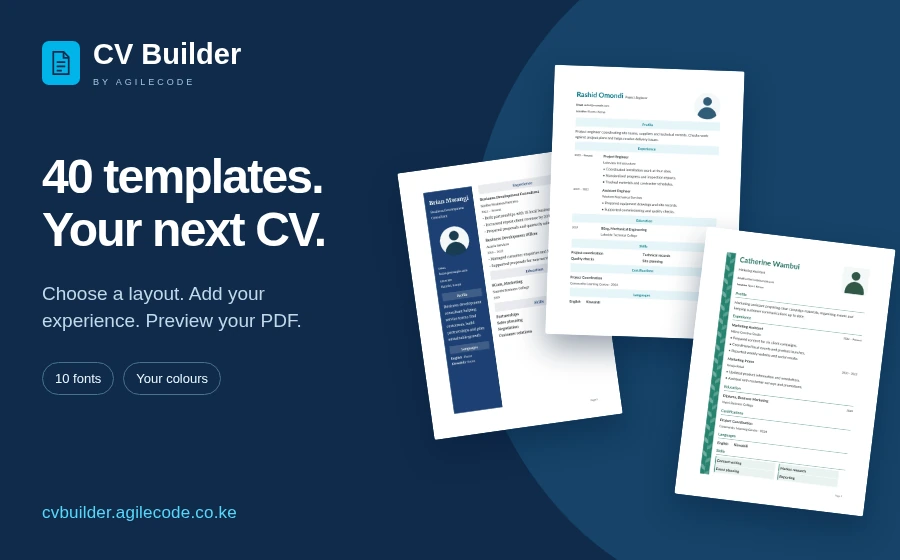
For new customer documents, create invoices and quotes with Invoiced. For job applications, prepare your CV with CV Builder. Browse the Agilecode products or contact us for help.